Digital Safety 101: Simple Steps to Protect Your Online Reputation
Working at a tech company, we see firsthand how fast things move online—but we also notice how easy it is to overlook basic safety
Working at a tech company, we see firsthand how fast things move online—but we also notice how easy it is to overlook basic safety. I wanted to break down a few simple habits...
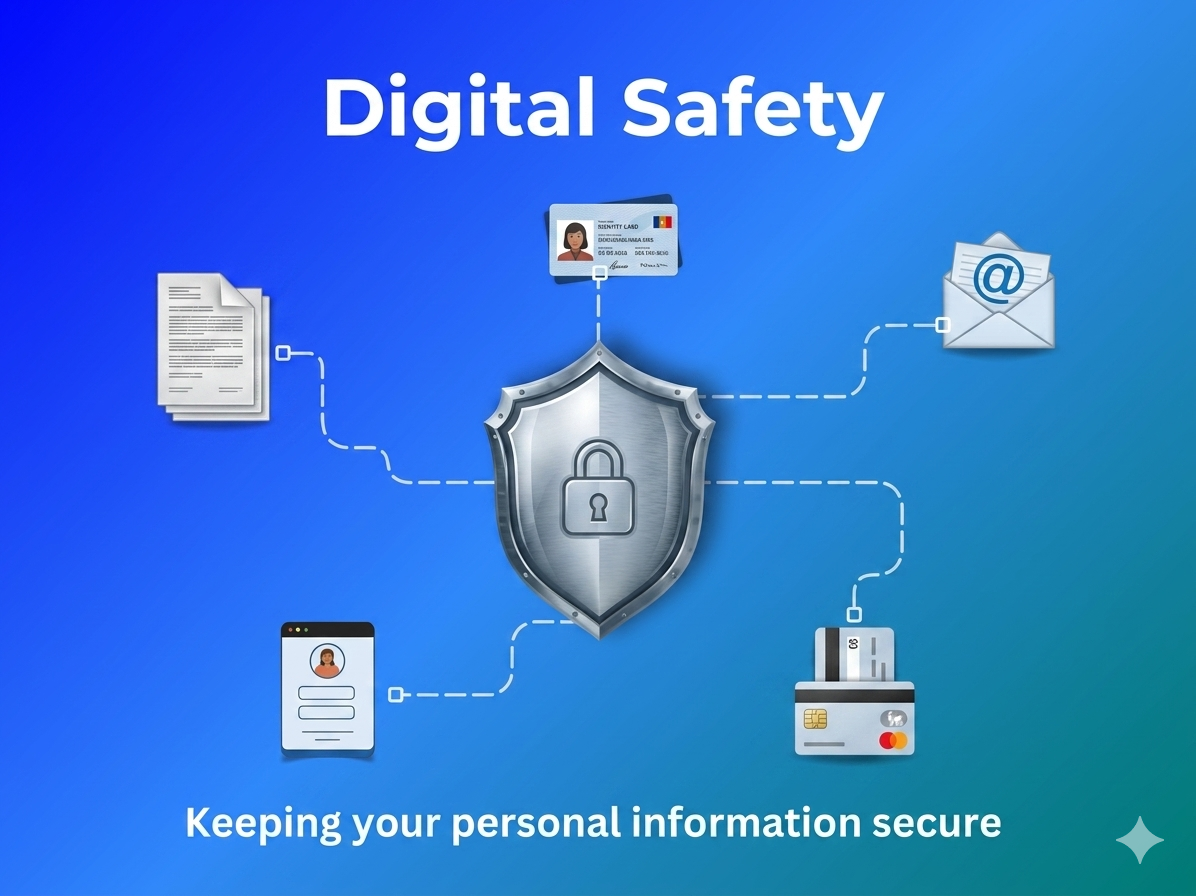
You don't need to be a cybersecurity genius to keep yourself safe. Just like locking your front door at night, protecting your digital life comes down to a few simple habits. Whether you're trying to secure your personal info or make sure your online reputation stays intact, here are three straightforward steps you can take today.
1. Think Before You Post (The Reputation Check)
Your online footprint is essentially your digital resume. Long before a future boss or partner meets you in person, they’ll see what you’ve left behind online.
- The Golden Rule: If you wouldn't want your boss, your parents, or a future employer to see it, don't post it.
- Watch Out for Over-Sharing: Avoid posting your location in real-time, your phone number, or photos that show sensitive details (like your workplace ID badge or home address).
2. Spotting the Red Flags of Online Extortion & Scams
Online scams and extortion are unfortunately becoming more common, and scammers are getting clever. They often rely on creating a sense of panic or excitement to get you to act without thinking.
- The Urgent Threat: If you receive a message threatening to leak information, block your account, or share something personal unless you pay money or click a link, take a deep breath. Panic is exactly what the scammer wants.
- What to do: Never pay, don't click any links, and do not send more messages. Block the account immediately, take screenshots for evidence, and talk to someone you trust.
- The Stranger Danger Rule: Be incredibly careful about sharing private photos or video chats with people you’ve only met online. Scammers frequently use fake profiles to gain trust before attempting extortion.
3. Lockdown Your Accounts (Without the Headache)
You've heard it a million times, but it's true: using the same password for everything is a trap. If a hacker guesses your password on one minor website, they suddenly have access to your email and social media.
- Use Passphrases: Instead of a complex jumble like P@ss123!, use a phrase of four random words joined together (e.g., CorrectHorseBatteryStaple). It’s easier for you to memorize but incredibly hard for a computer to crack.
- Turn on 2FA: Two-Factor Authentication (2FA) is your ultimate shield. Even if someone steals your password, they still can't log in without the code sent directly to your phone. Turn this on for your email and main social media apps today.
Final Thoughts
Digital literacy isn't about being afraid to use the internet—it's about knowing how to navigate it confidently and safely. By taking control of your passwords, watching out for sketchy messages, and being mindful of your public image, you ensure the internet remains a helpful tool rather than a hazard.
Stay safe out there!